The moment
The smallest check can break the thread.
A message preview becomes an inbox, the inbox becomes a feed, and the hard sentence or difficult problem is suddenly several context switches away. Even a short detour can make returning feel heavier than continuing.
Anchor does not ask you to make your phone useless. It lets you remove the small set of apps and sites that most often fracture a focused block, while the practical tools stay close.
How Anchor fits
Turn a work intention into a place in the room.
- 01
Create a saved work mode
Choose the feeds, games, news, shopping, or other apps and sites that do not belong in the next block.
- 02
Begin with a deliberate action
Start the Focus session before the first difficult task, then leave Anchor beyond casual reach.
- 03
Stop when the block is actually done
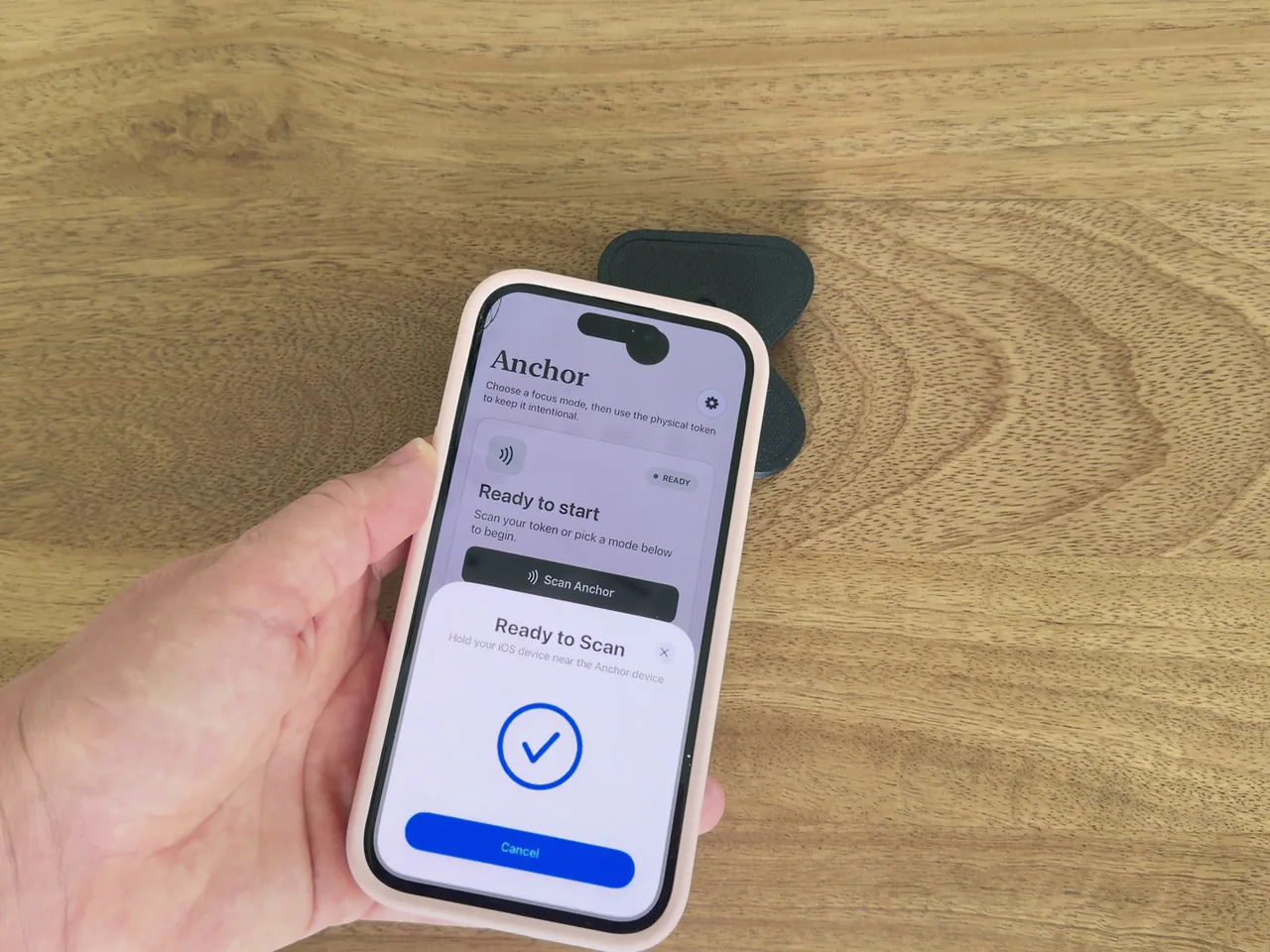
Walk back to your paired Anchor and scan when you have decided—not merely felt the first urge—to finish.
A practical setup
Try one protected work block.
The most useful first test is a real task with a clear finish line, not an open-ended promise to be more productive.
- 1
Name the outcome
Choose something concrete: finish a draft, review a chapter, reconcile a report, or complete a design pass.
- 2
Choose a realistic block
Start with 45 to 90 minutes. The boundary should support the work, not become another endurance test.
- 3
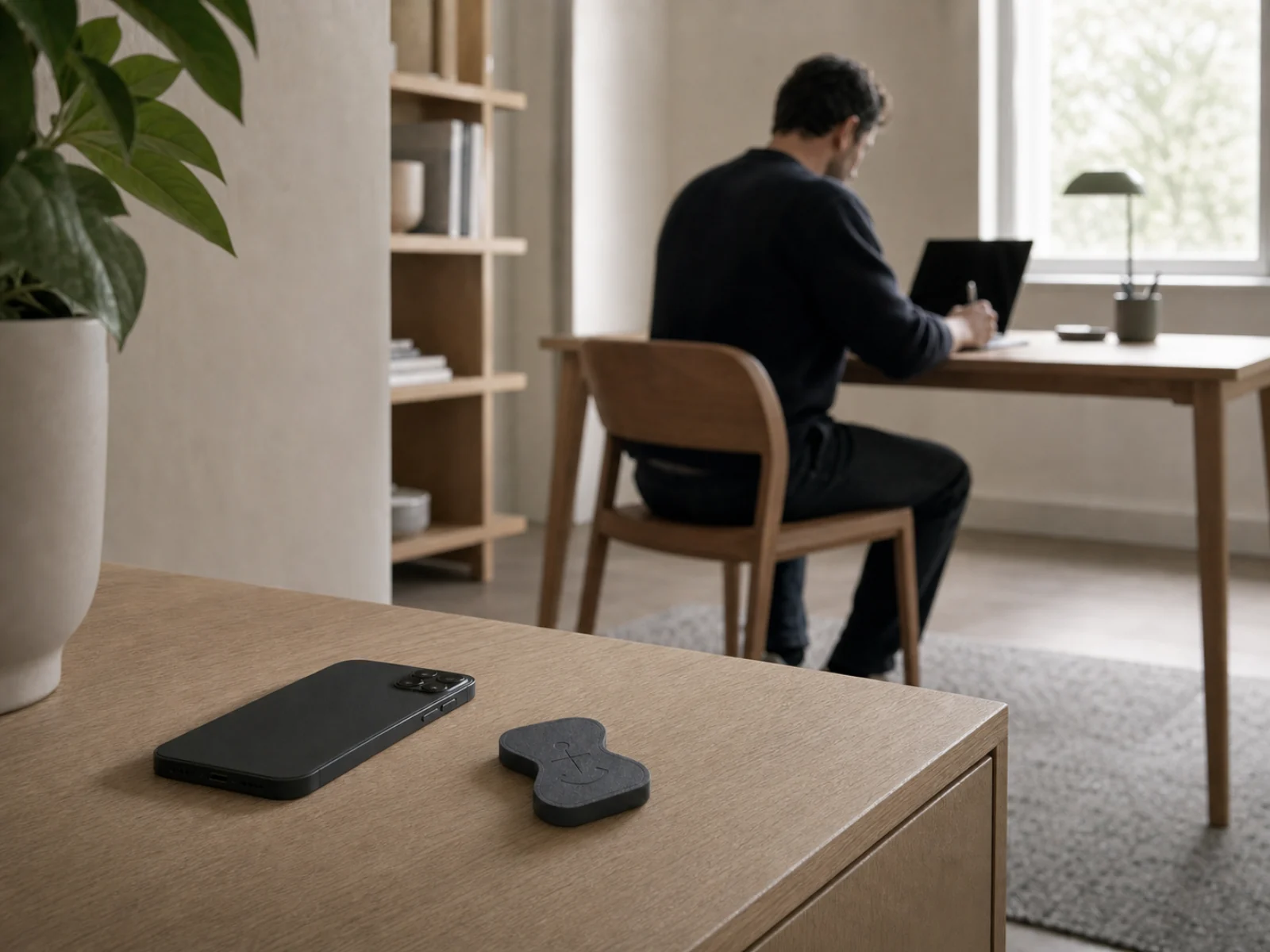
Park Anchor away from the desk
A shelf, bag, or neighbouring room adds enough distance for the first checking impulse to lose momentum.