Available on the App Store
Download Anchor for iPhone now. Android support is coming soon.
Compatibility
Anchor for iPhone is live on the App Store. It requires iOS 18.5 or later, NFC scanning, and the Screen Time permission you approve during setup. Android support is coming soon.
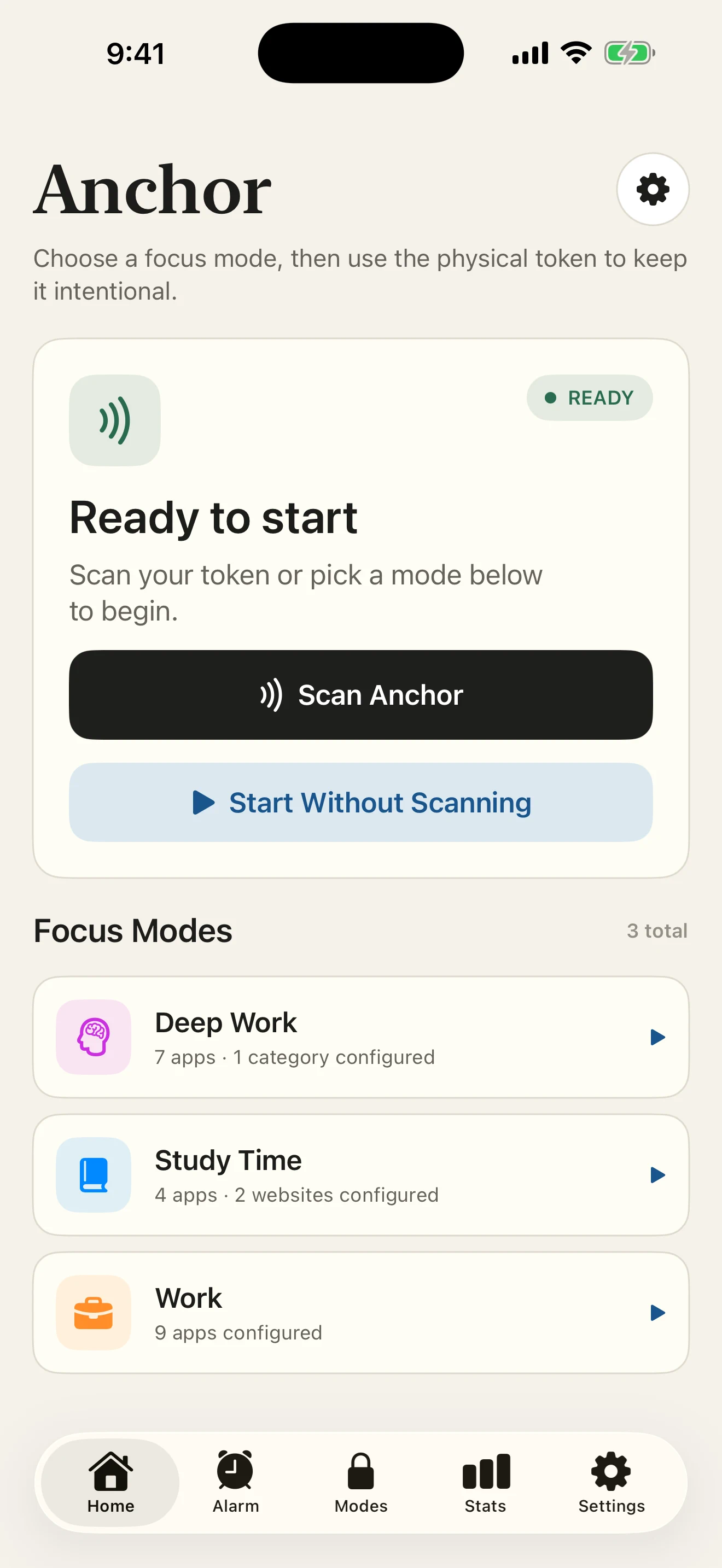
The Anchor app
Download it before your Anchor arrives, then pair in a few simple steps.
Available nowDownload on the App StoreAndroid support coming soonCore requirements
Download Anchor for iPhone now. Android support is coming soon.
Your iPhone must run iOS 18.5 or a later supported release.
The top of the iPhone must be able to read the physical Anchor.
Apple's authorization is required to apply app and website shielding.
Feet First compatibility
Feet First uses a get-up-and-scan wake-up sequence. Anchor uses the wake-up path available on your iOS version. On iOS 26 or later, Alarm permission is required to set up Feet First.
| Phone state | Wake-up path | Required permission |
|---|---|---|
| iOS 26+ with Alarm permission | System alarm | Alarm |
| iOS 26+ without Alarm permission | Feet First setup unavailable | Enable Alarm permission |
| Supported iOS 18.5–18.x | Notification fallback | Notifications |
| Authorized system alarm cannot be scheduled | Notification fallback | Notifications |
Permission names and availability follow the installed iOS version. Notification delivery also follows your iPhone's notification settings.
Pairing & cases
The current iPhone app stores one paired Anchor on each phone. The Pair is designed for two separate people, not multiple rooms for one phone. Android support is coming soon.
Most ordinary cases should leave NFC available, but case material, thickness, magnets, and accessories can affect scan position. Hold the top of the iPhone close to the centre of Anchor and remove obstructive accessories if a scan is inconsistent.
See scan troubleshootingReady to continue?