Physical app blocker
Anchor
Distraction stops here.
Choose the apps and supported websites that distract you. Start Focus in the app or with Anchor, then return and scan when you're ready to unlock. Everything else stays available.
Checking live price and availability…
Taxes are calculated at checkout. Free standard shipping in Canada. Orders ship the next business day.
By placing an order at checkout, you agree to the Terms of Use and Sale. Quebec customers are provided the French terms first.
Why a physical boundary
Doomscrolling is easy to start. Make it harder to continue.
On-screen limits keep the off switch beside the distraction. Anchor moves the end action to the paired device: selected apps remain blocked until you return and scan. Limited emergency access stays available for genuine need.
Return to the paired Anchor when you choose to stop blocking.
- 01
Choose
Select distracting apps, categories, and supported websites.
- 02
Start
Begin a saved mode in the app or by scanning Anchor.
- 03
Return
Scan the paired Anchor again when the session is complete.
Feet First · get-up-and-scan alarm
The alarm you finish by getting up.
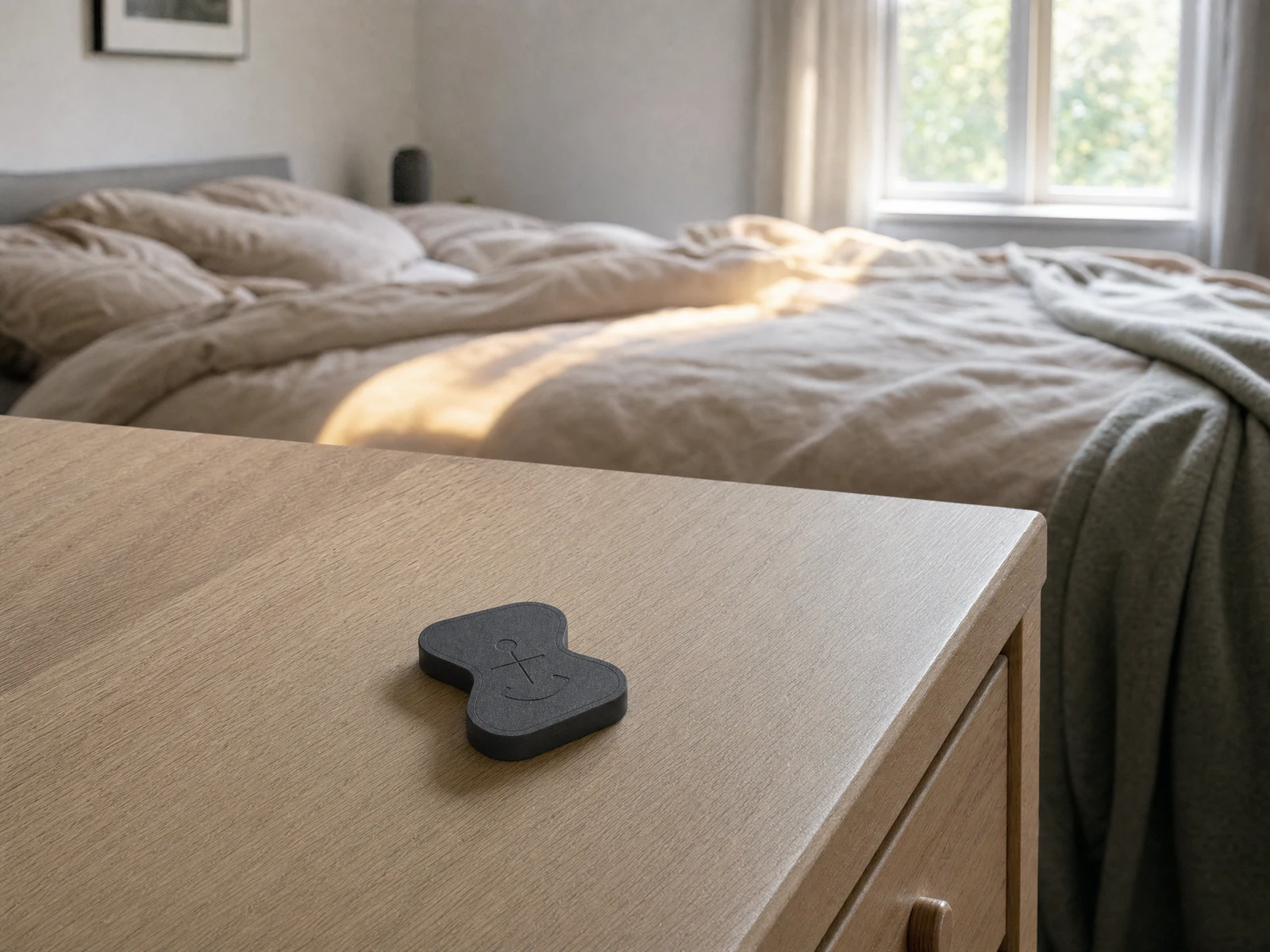
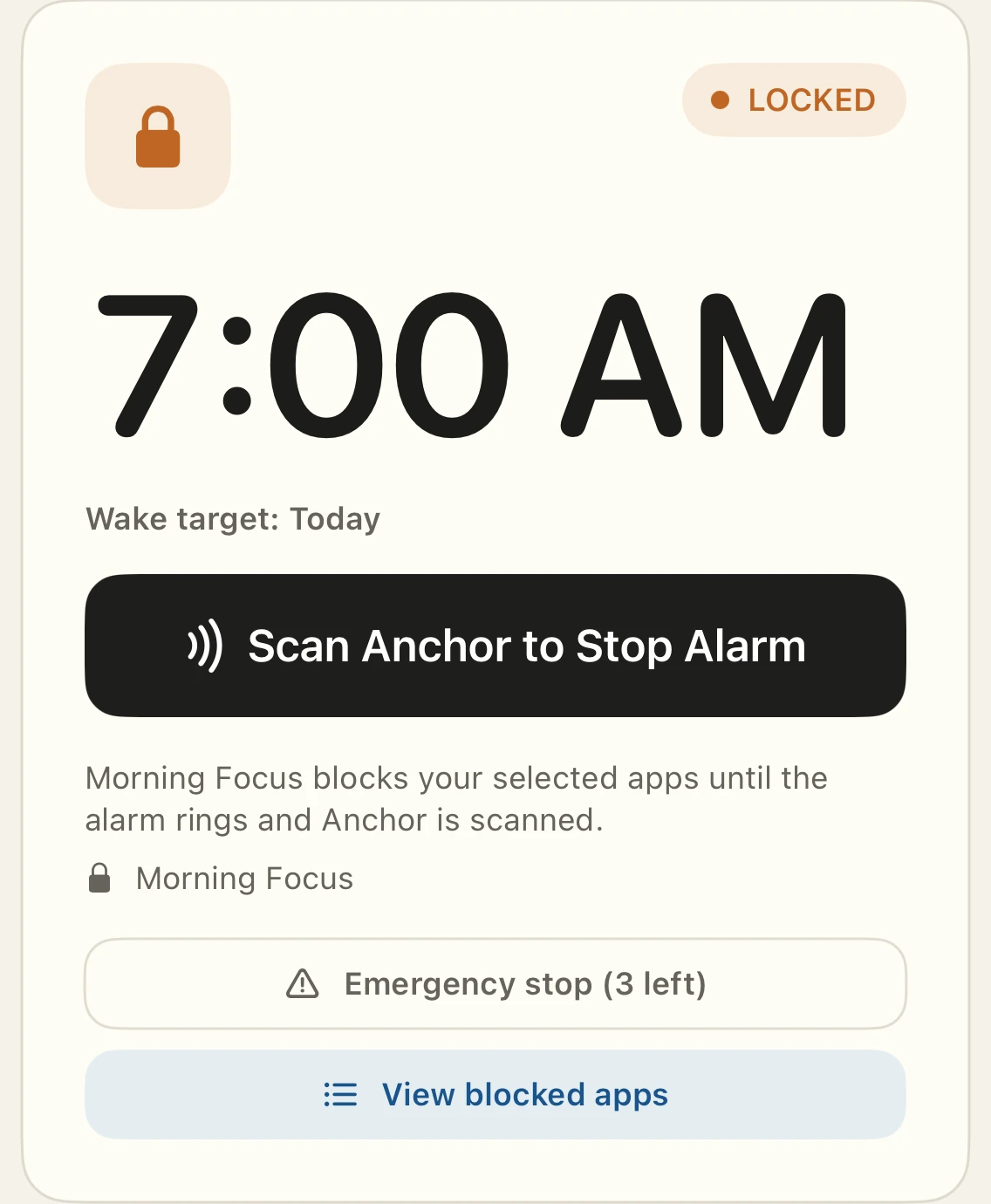
Place Anchor away from bed. Silencing the first ring does not complete Feet First, so follow-up rings remain scheduled until you get up and scan the paired Anchor.
- 01
Set your wake time
Choose when Feet First should ring.
- 02
Put Anchor out of reach
Leave it on a dresser, counter, or in another room.
- 03
Get up and scan
Scan Anchor to finish and cancel the follow-up rings.
Optional: use Bedtime Lock to keep selected distractions blocked overnight.
Check wake-up compatibility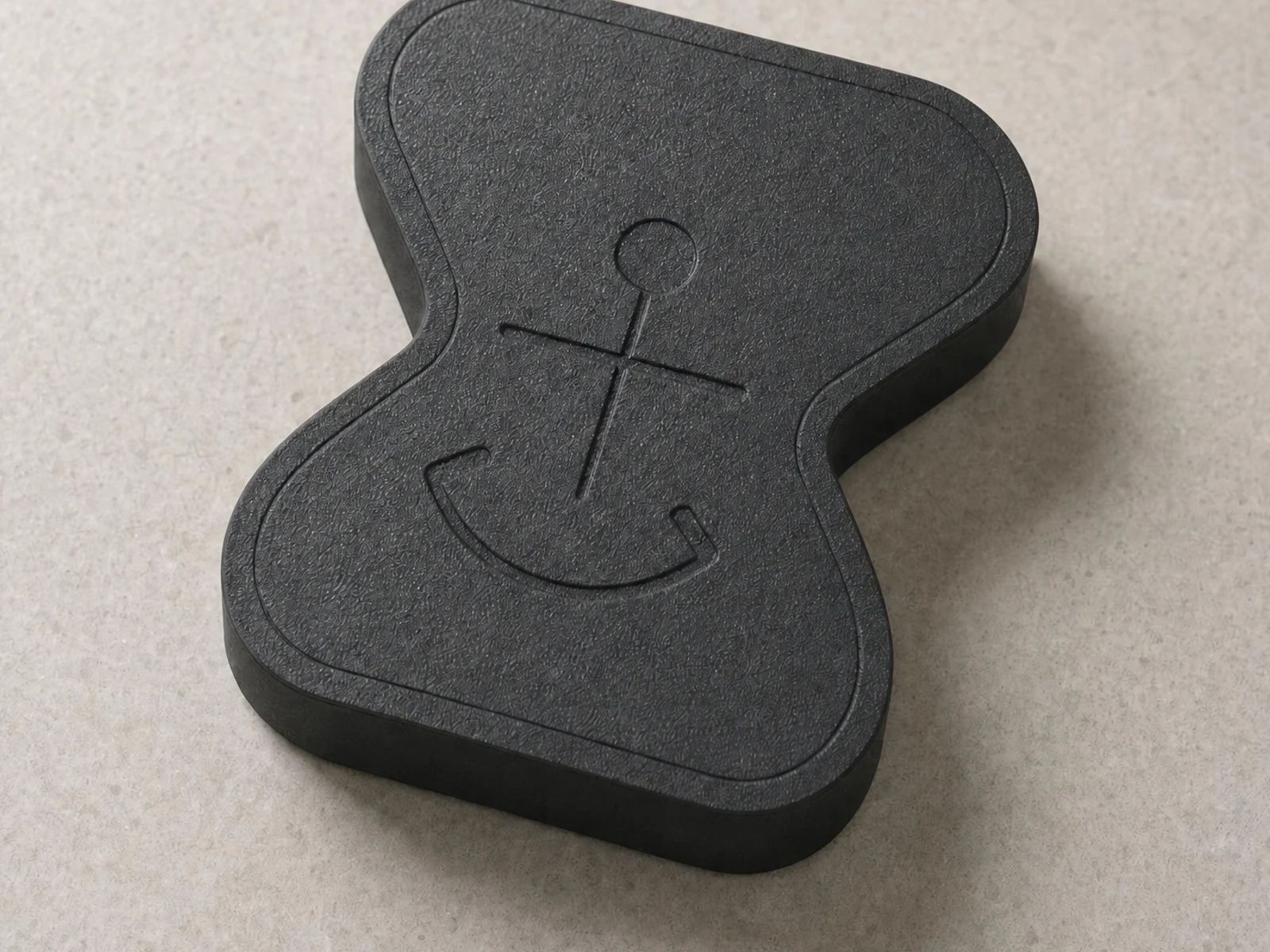
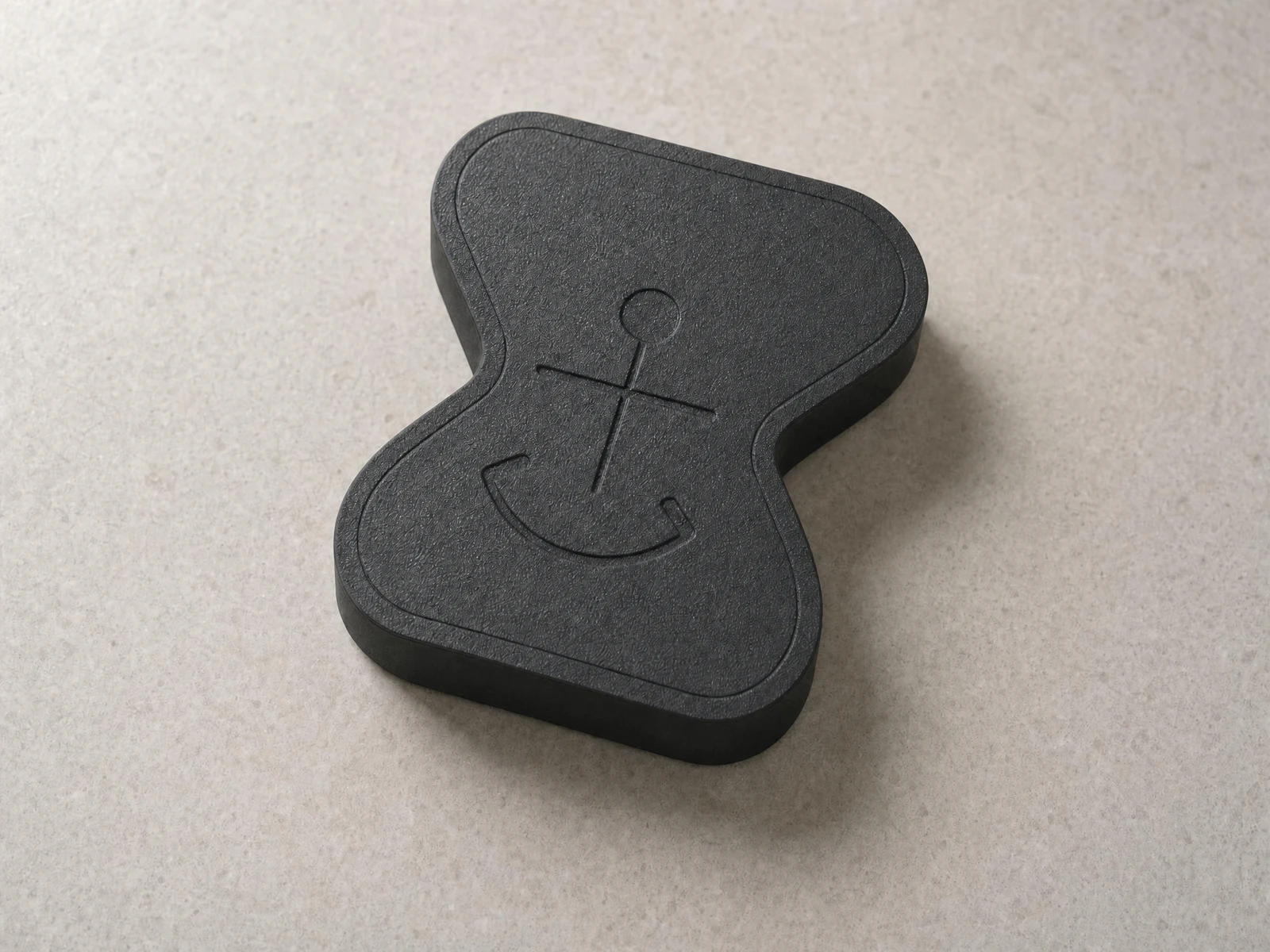
The physical Anchor
Small, quiet, and always ready.
A compact matte-charcoal object with no screen, battery, light, port, or charging cable.
- Interaction
- Passive NFC
- Finish
- Matte charcoal
- Dimensions
- 56 × 62 × 9.8 mm
- Power
- None required
Before you order
Know before you order.
Compatibility, what is included, and the policies behind your purchase—without hiding important conditions in fine print.
What's included
Each device includes one physical Anchor and access to the companion iPhone app. No charging cable or separate subscription is required.
Compatibility
Currently requires an iPhone running iOS 18.5 or later, NFC, and Apple's Screen Time permission. Android support is planned but not available yet.
Read the compatibility guideFocus and emergency access
Create custom Focus Modes and keep essential tools available. Ordinary sessions end by returning to the paired Anchor; separate visible emergency-stop allowances remain available for genuine need.
Feet First get-up-and-scan alarm
Choose apps to block. If you want the boundary to begin at night, turn on Wind Down and scan Anchor at bedtime to start Bedtime Lock.
At wake time, stopping the first ring does not complete Feet First, so follow-up rings remain scheduled. Place Anchor away from bed; the normal way to finish and cancel those rings is to get up and scan the paired Anchor.
On iOS 26 or later, Alarm permission is required to set up Feet First. Supported iOS 18.5–18.x versions use Notifications. If an authorized system alarm cannot be scheduled, Anchor can use its notification fallback.
Review wake-up compatibilityShipping and taxes
Anchor ships only to Canadian addresses at launch. Every package includes free standard shipping in Canada. Available delivery options are shown securely during checkout.
Read shipping detailsReturns and warranty
Eligible returns may be requested within 30 days after delivery; the customer pays standard return postage. The physical Anchor has a one-year limited warranty for the original purchaser or original gift recipient.
Distraction stops here
Put distracting apps out of reach.
On sale from $49.99 CAD. App included. Battery-free. No subscription.