Physical app blocker for your phone
Anchor your focus.
Rated 5 stars on the App StoreMake distraction harder to reach. Block the apps that pull you away and keep the tools you need. Leave Anchor across the room, then return to scan it when you're ready to unblock.
No subscription. No charging. App included.
From $49.99 CAD · free Canadian shipping
Available for iPhone · iOS 18.5+ Android coming soon.

Keep essential apps available. Limited emergency unlocks included.
How Focus works
Choose your boundary. Anchor keeps it there.
Choose what to block, start Focus, then put your phone to work without the distractions you selected.
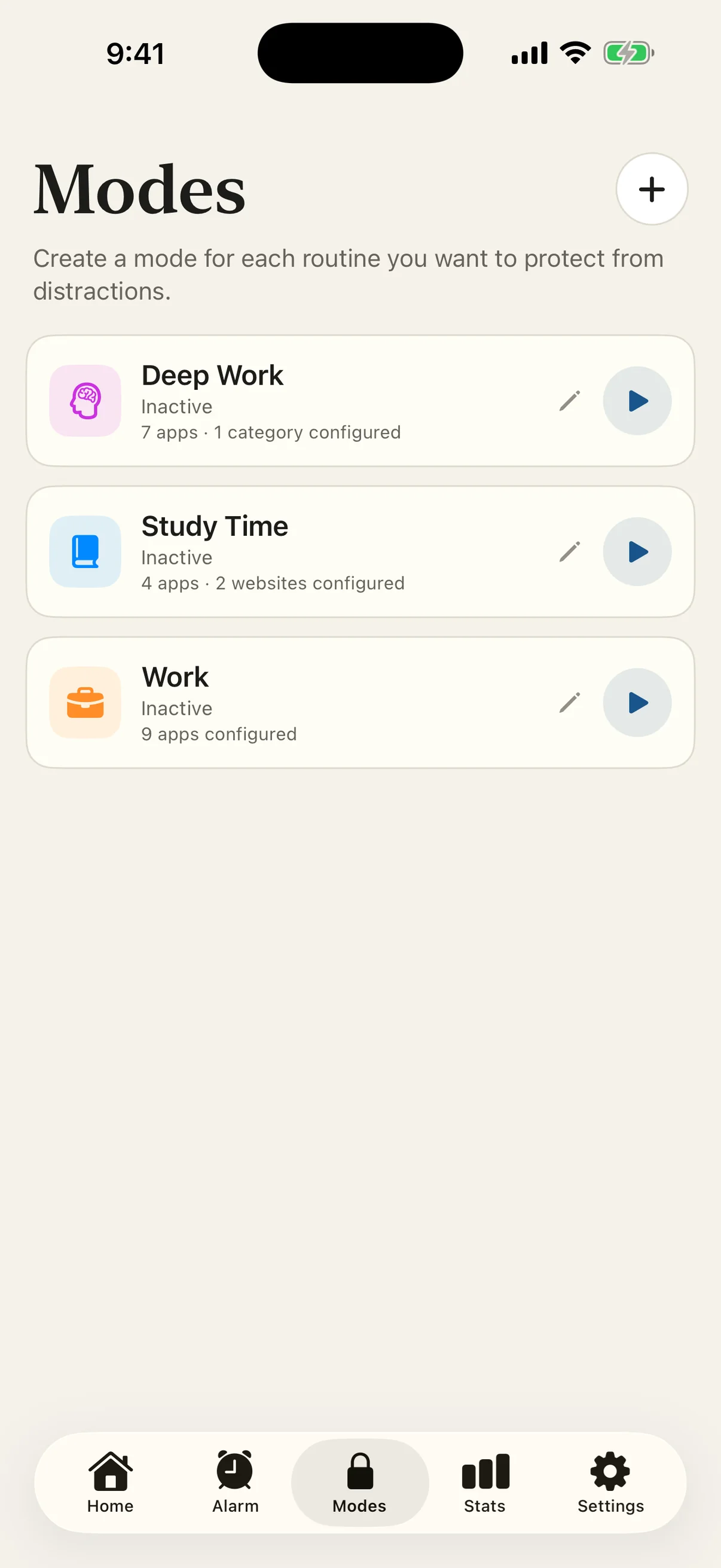
- 01
Set it once
Choose what to block.
Build a Focus Mode around the apps, categories, and websites that pull you off track.
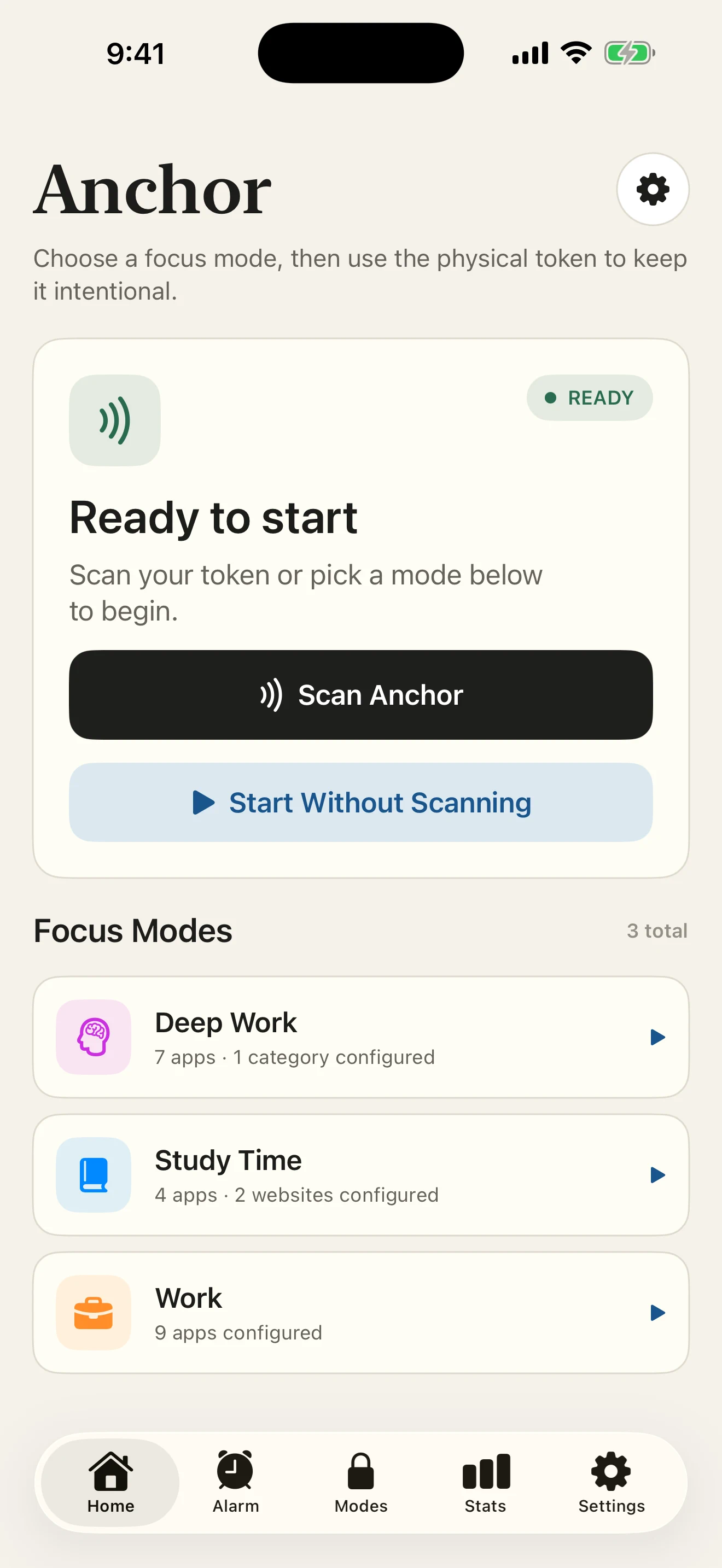
- 02
Make it intentional
Start your mode.
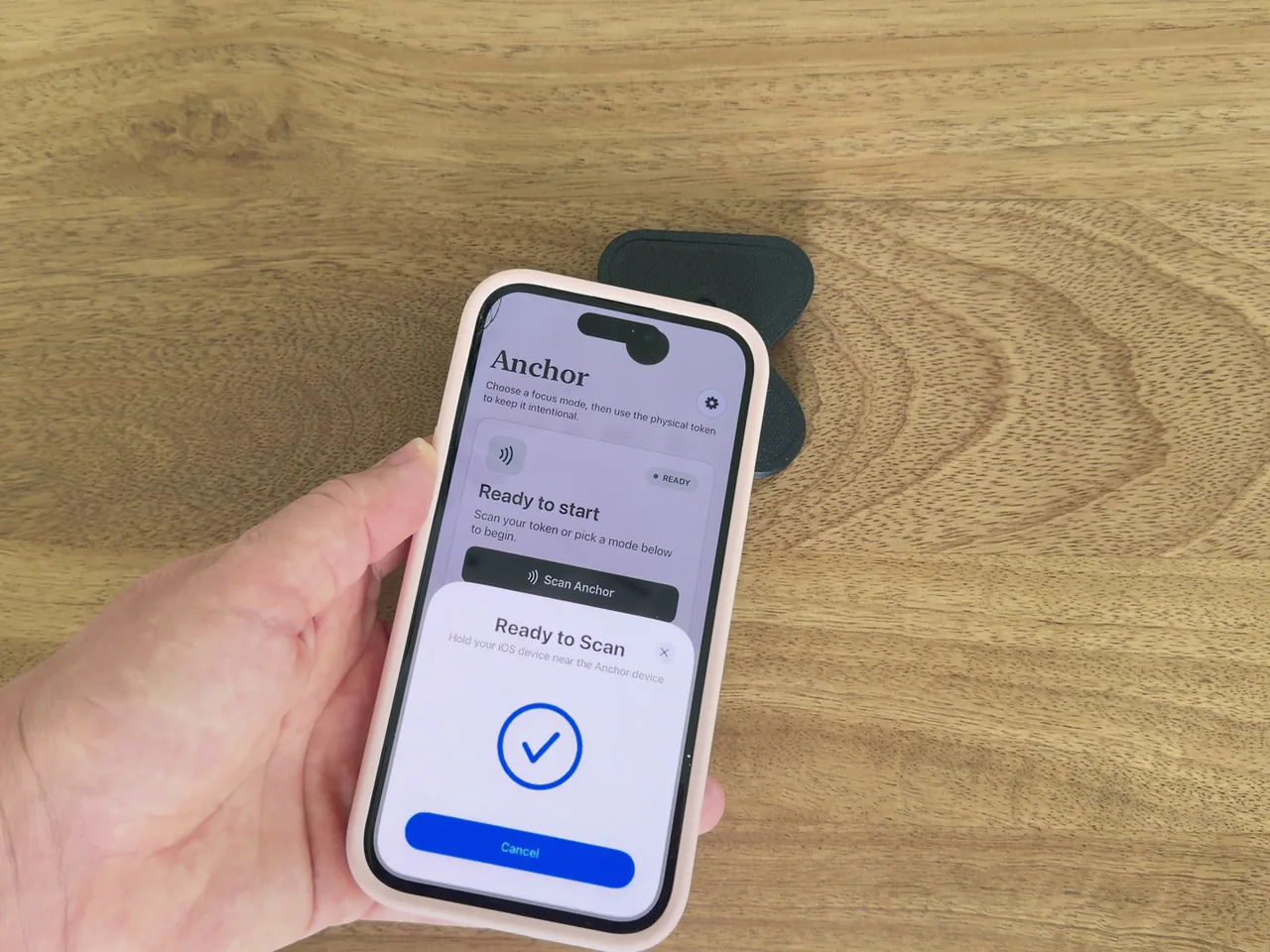
Use the app when you need it, or scan Anchor to begin with a physical action.
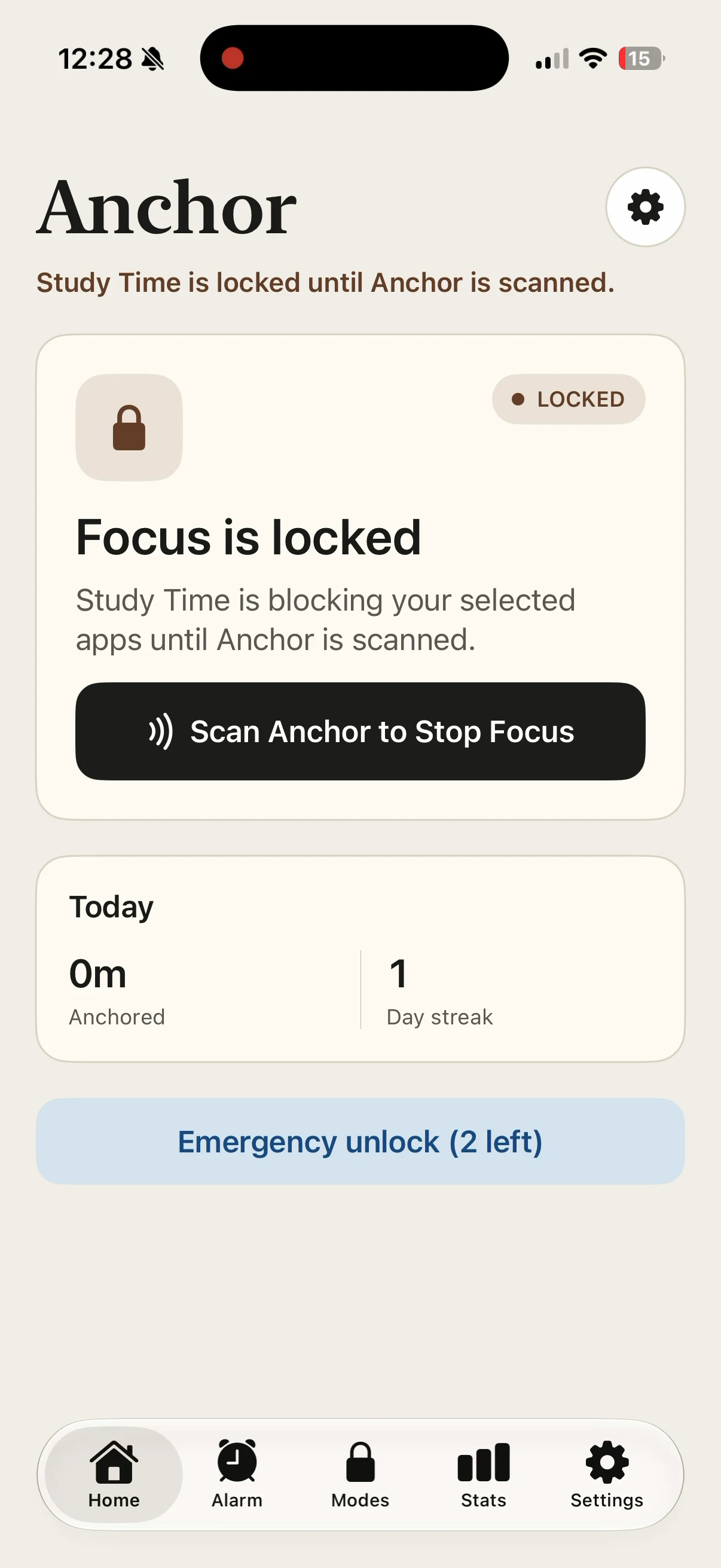
- 03
End it on purpose
Scan Anchor to finish.
Your selected distractions stay blocked until you return to your paired Anchor and scan.
Only what you add to a Focus Mode is blocked. The essential tools you leave out stay available. Limited emergency unlocks are included.
Check compatibilityIn their own words
Less scrolling.
More living.
Everyday experiences with Anchor. Shared by the people using it.
“Instead of another app where I could just dismiss a limit and keep scrolling, the physical tag adds just enough friction to actually change my behaviour.”
Read Laura's full review
What I love about Anchor Tag is that it takes a completely different approach to screen time. Instead of another app where I could just dismiss a limit and keep scrolling, the physical tag adds just enough friction to actually change my behaviour.
I keep the tag away from me, so ending a focus session means physically getting up and scanning it. The alarm feature is especially clever for the same reason. I can put the tag away from my bed, which forces me to actually get up to turn off the alarm instead of snoozing half asleep.
I also really appreciate the way the app handles privacy. All my data is stored locally on my device rather than being sent to an account or cloud service. For something that tracks how I use my phone, that was important to me.
And possibly my favourite part: no subscription. I paid once and it’s mine. That’s increasingly rare for apps like this and makes Anchor Tag feel like a product I actually own rather than another monthly bill.
Simple idea, thoughtfully executed, privacy-conscious, and genuinely useful. Easily 5 stars.
“Reduced using Instagram which is what I want”
“Anchor really helped me with my ADHD with focus mode. The fact I can block distracting apps and it helps me control my urges by blocking my access has been a game changer for my university classes and CFA”
Why physical
Give your good intentions a physical boundary.
You meant to focus. Then came “just one quick check.” Willpower can feel like a finite resource: after a demanding day, resisting another distraction can feel harder. The idea that self-control gets depleted is debated, but Anchor gives you a physical boundary to lean on when resolve feels low.
Choose what to block, start Focus, and leave Anchor across the room. Getting up to scan it adds a physical step between the impulse to scroll and ending your session.
The apps you leave out of your mode stay available. Limited emergency unlocks are included.
From $49.99 CAD · app included · no subscription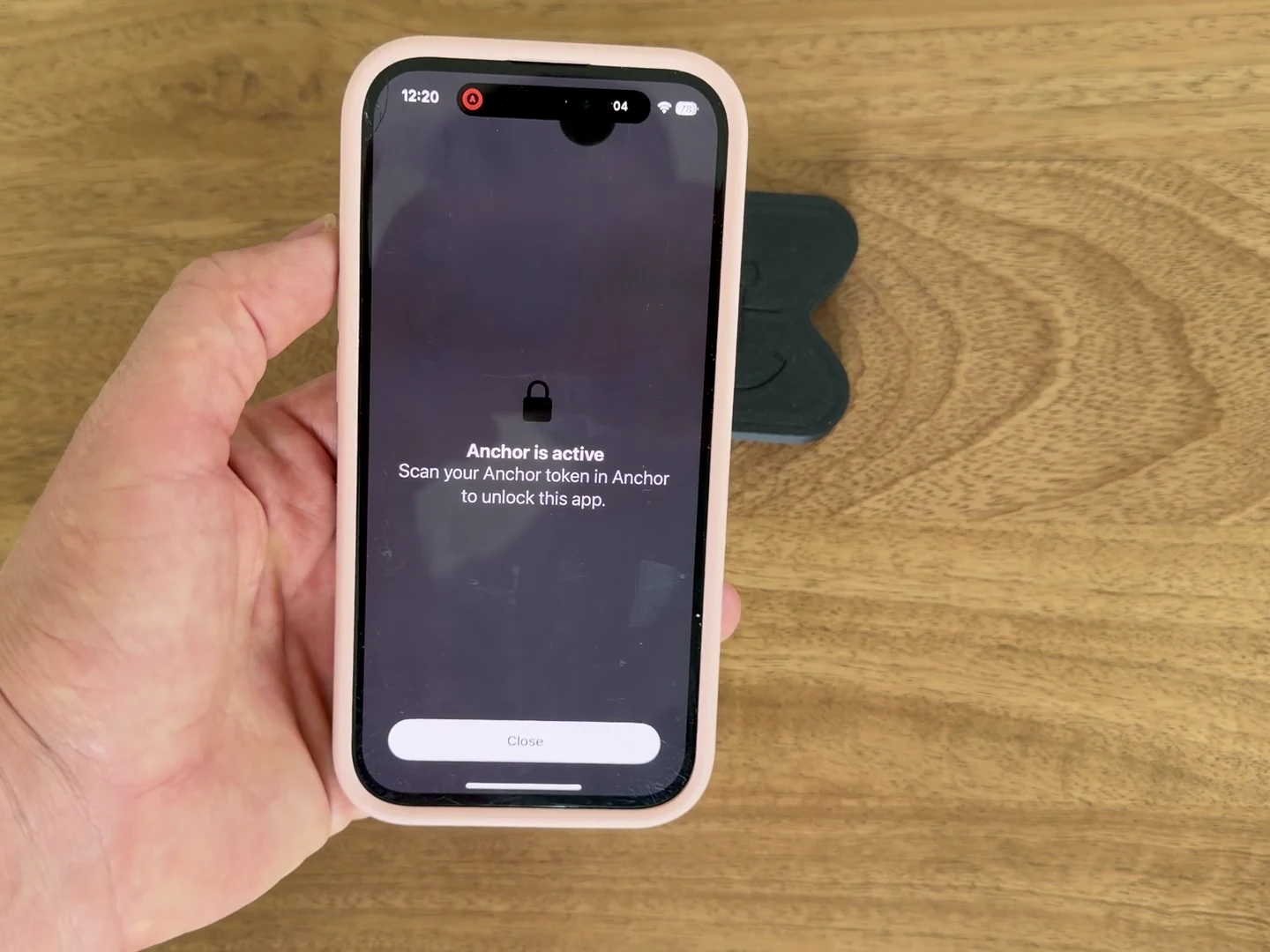
Everything you left outside the mode stays available.
Also included · Feet First alarm
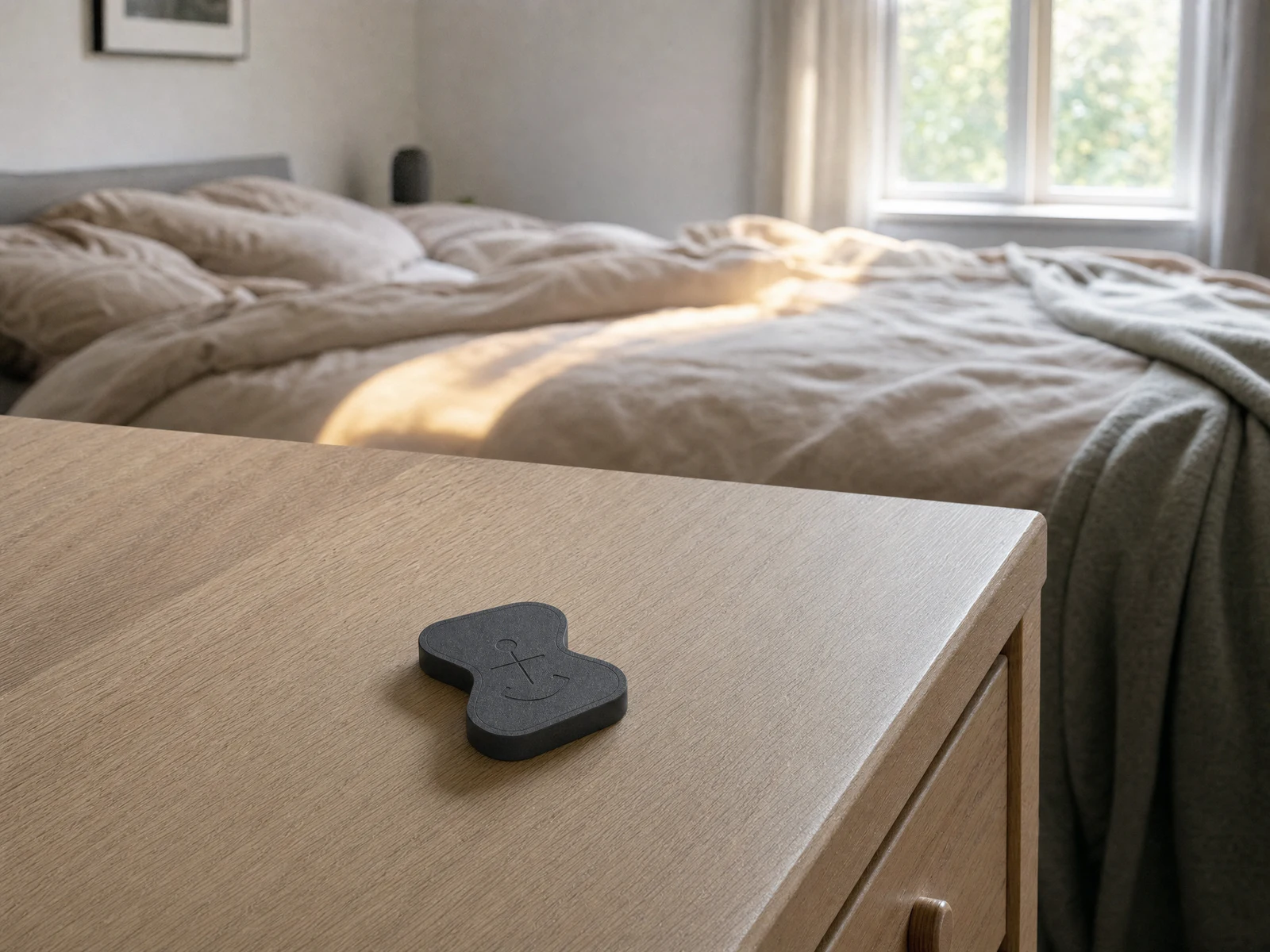
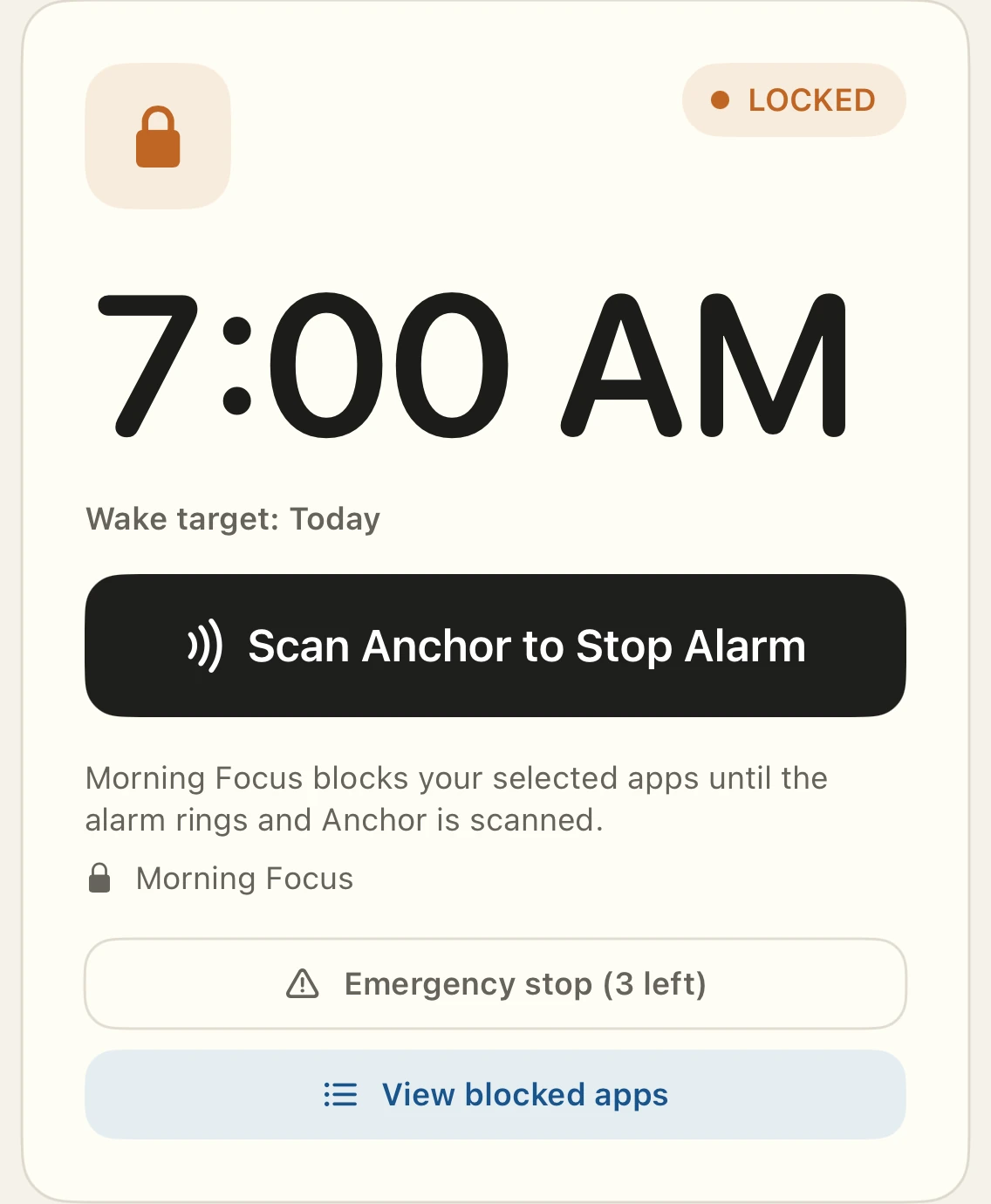
Make the decision before the morning.
Set your alarm tonight and leave Anchor away from your bed. In the morning, Feet First keeps follow-up rings scheduled until you reach Anchor and scan it, helping you follow through on the decision you already made. Limited emergency stops are available.
Optional Bedtime Lock can keep selected distractions out of reach overnight, too.
Alarm behaviour depends on your phone's operating system and permissions. Check compatibility before buying.
Stats + streaks
See the habit you're building.
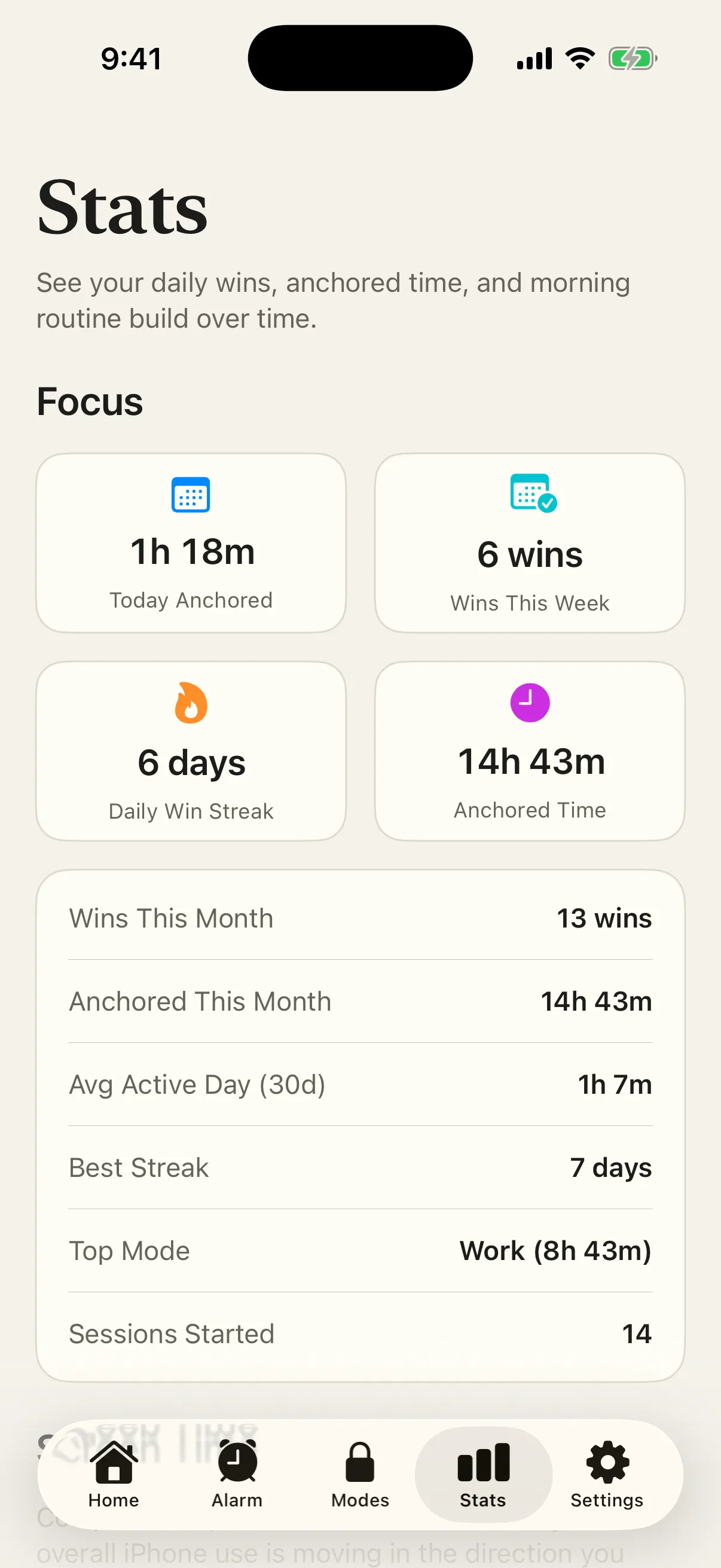
Anchor turns completed Focus sessions into daily wins, anchored time, streaks, and mode trends. Feet First progress lives here too, so consistency becomes easier to see over time.
- Measure follow-through
- See daily wins, your current and best streaks, and the time you kept anchored.
- Learn what works
- Compare active days and top modes, then adjust the routines you use most.
- Keep Screen Time context private
- Weekly Screen Time trends are rendered by iOS. Anchor does not save or send your detailed app-usage history.
Where Anchor fits
Four moments worth protecting.
The same small object can hold a different boundary in every room. Choose the moment that feels most familiar and see a practical setup.
 01Break the scrollFor the quick check that keeps taking more than you meant to give.Read the use case
 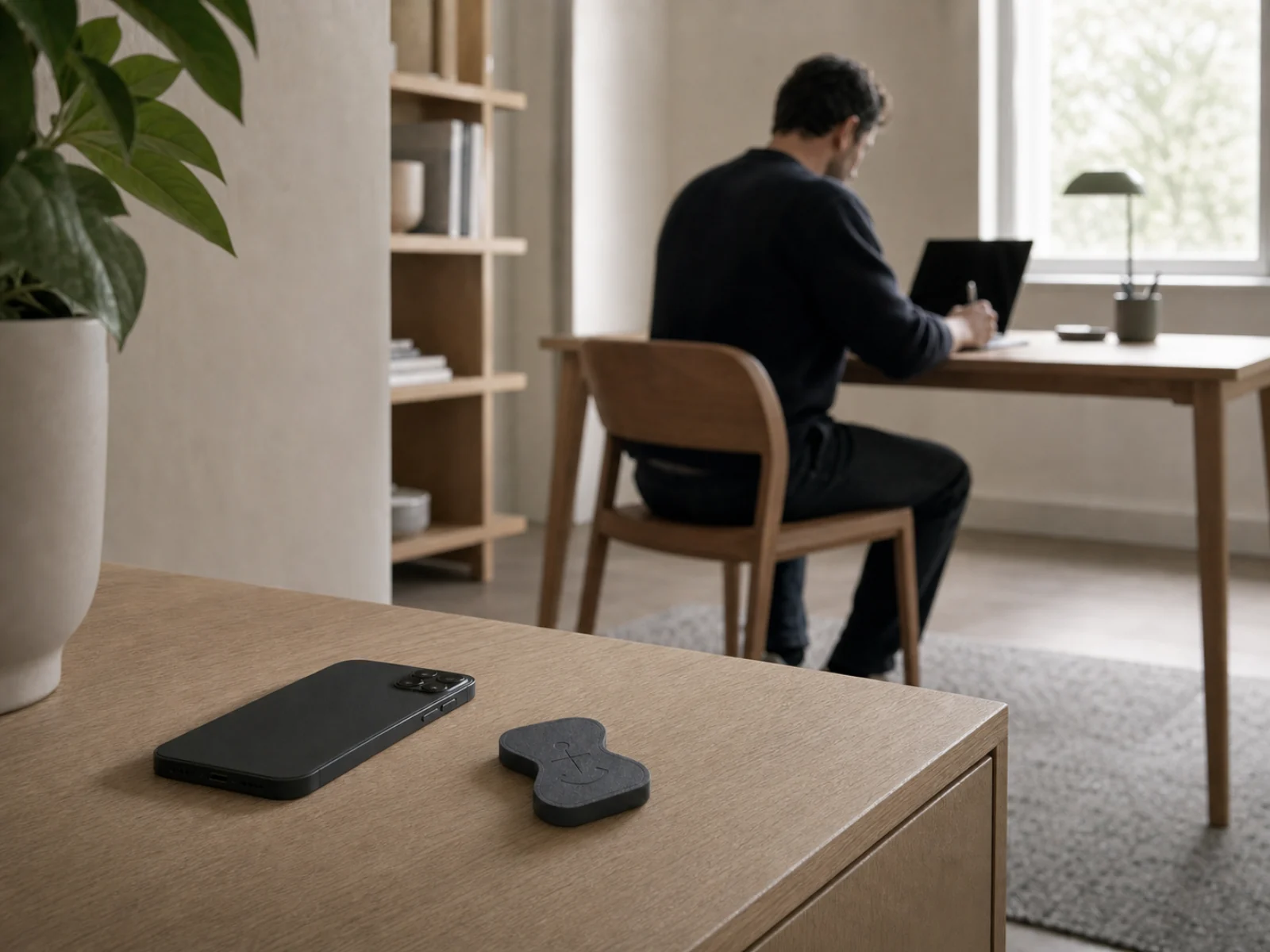 02Deep workMake a focused hour easier to begin—and harder to casually abandon.Read the use case
 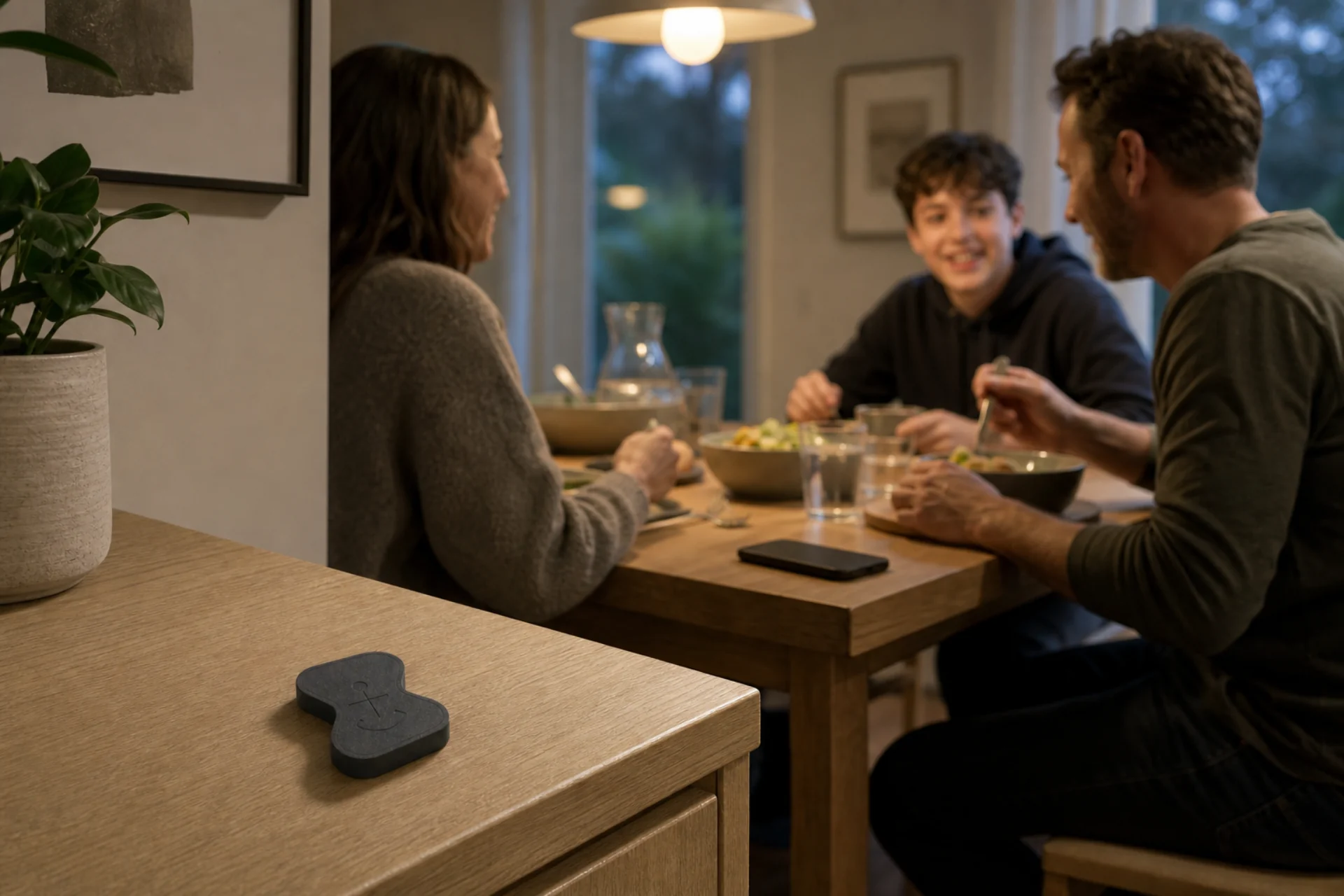 03Family timePut the phone somewhere quieter than the people already in the room.Read the use case 04Better morningsMove the end of the wake-up routine away from the pillow.Read the use case
 Proudly created in Canada
Built for focus. Proudly Canadian.
Anchor and its companion app were proudly created in Canada. The app is included, the hardware is battery-free, and there is no subscription.
Read the Anchor storyQuestions, answered
Before you order.
Compatibility, emergency access, shipping, returns, and warranty—explained plainly.
Anchor currently supports iPhone with iOS 18.5 or later, NFC, and Apple's Screen Time permission. Android is not yet supported. Review the full compatibility guide before buying.
Software controls can be changed on the same phone as the distraction. Anchor moves the normal end-of-session scan to a physical place you choose, while keeping emergency access available.
Focus and Feet First include separate emergency-stop allowances. The app shows the remaining count before use. If your Anchor is lost or damaged, the support guide explains replacement and recovery options. Read the emergency access guide for the current recovery flow.
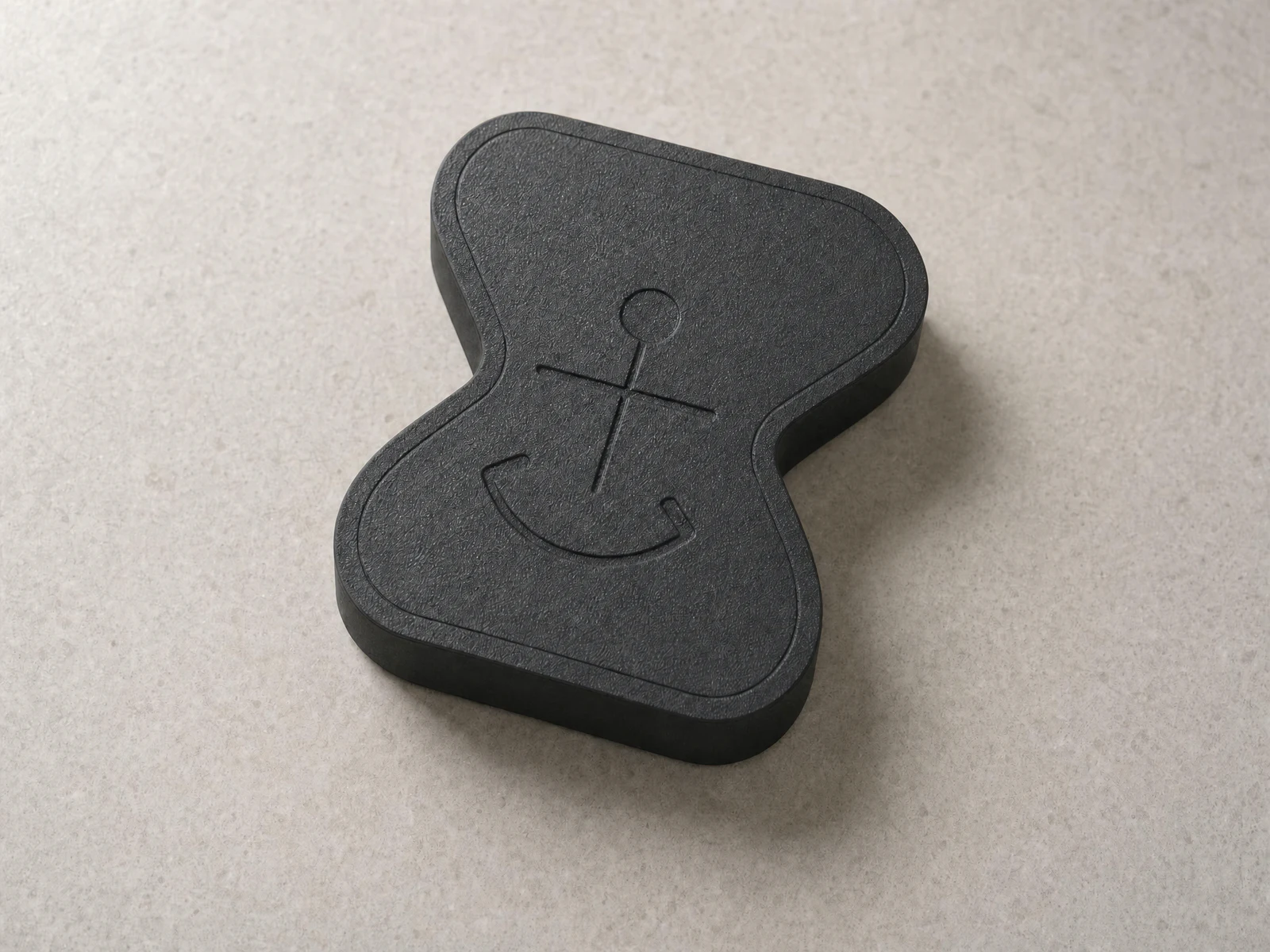
The physical Anchor is passive NFC hardware, so it has no battery and needs no charging. Core use requires no Anchor account. The app is included with the product and does not require a subscription.
We currently deliver across Canada with free standard shipping. Delivery options are confirmed before payment. Orders ship to Canadian addresses only at launch.
You may request an eligible return within 30 days after delivery. You pay return shipping for a standard return. The physical Anchor has a one-year limited warranty, and Anchor covers standard Canadian shipping for an approved warranty claim. Read the complete return policy before ordering.
Distraction stops here
Ready to put distracting apps out of reach?
From $49.99 CAD. App included. Battery-free. No subscription.
Shop AnchorEligible 30-day returns · one-year limited hardware warranty