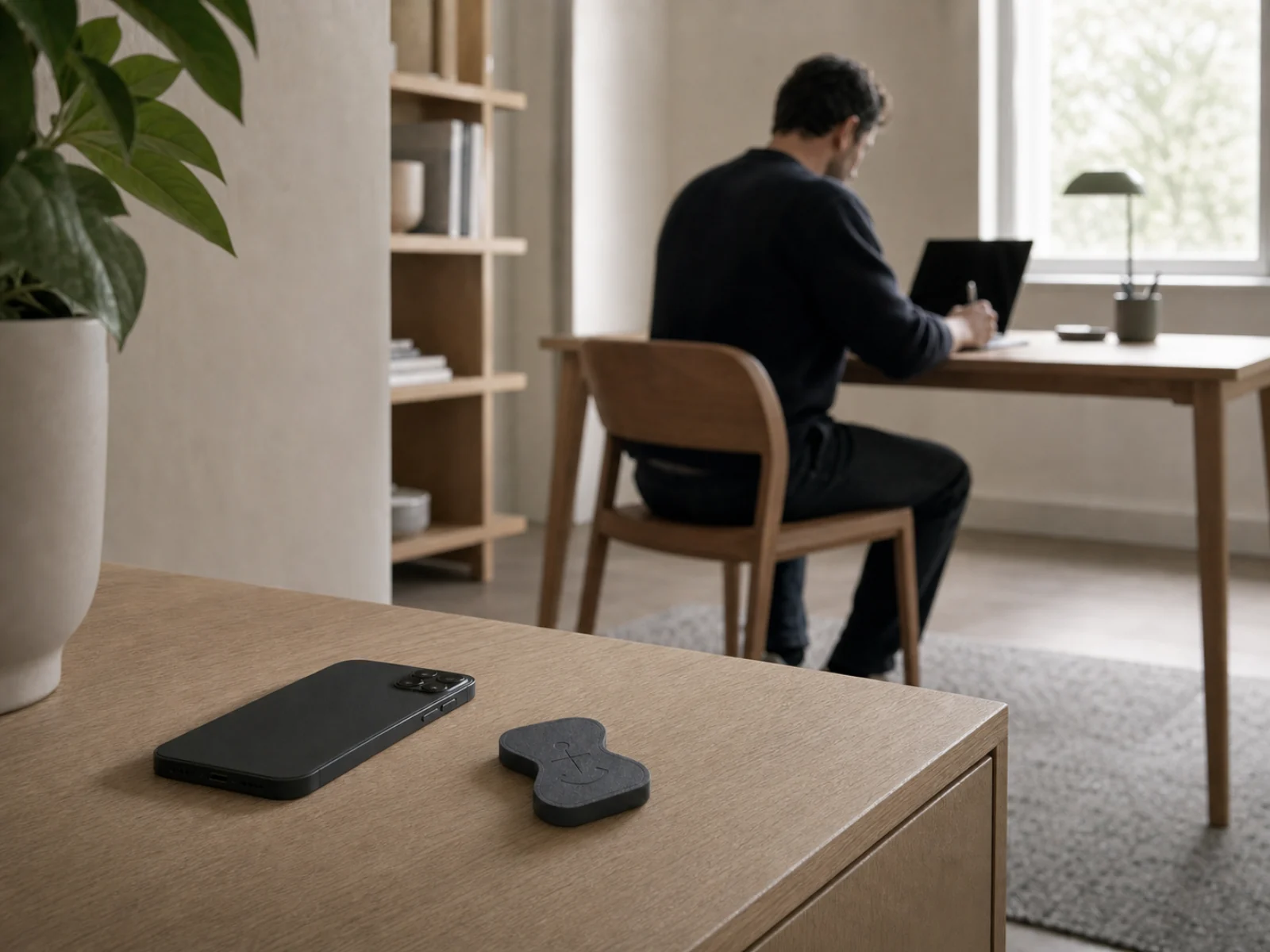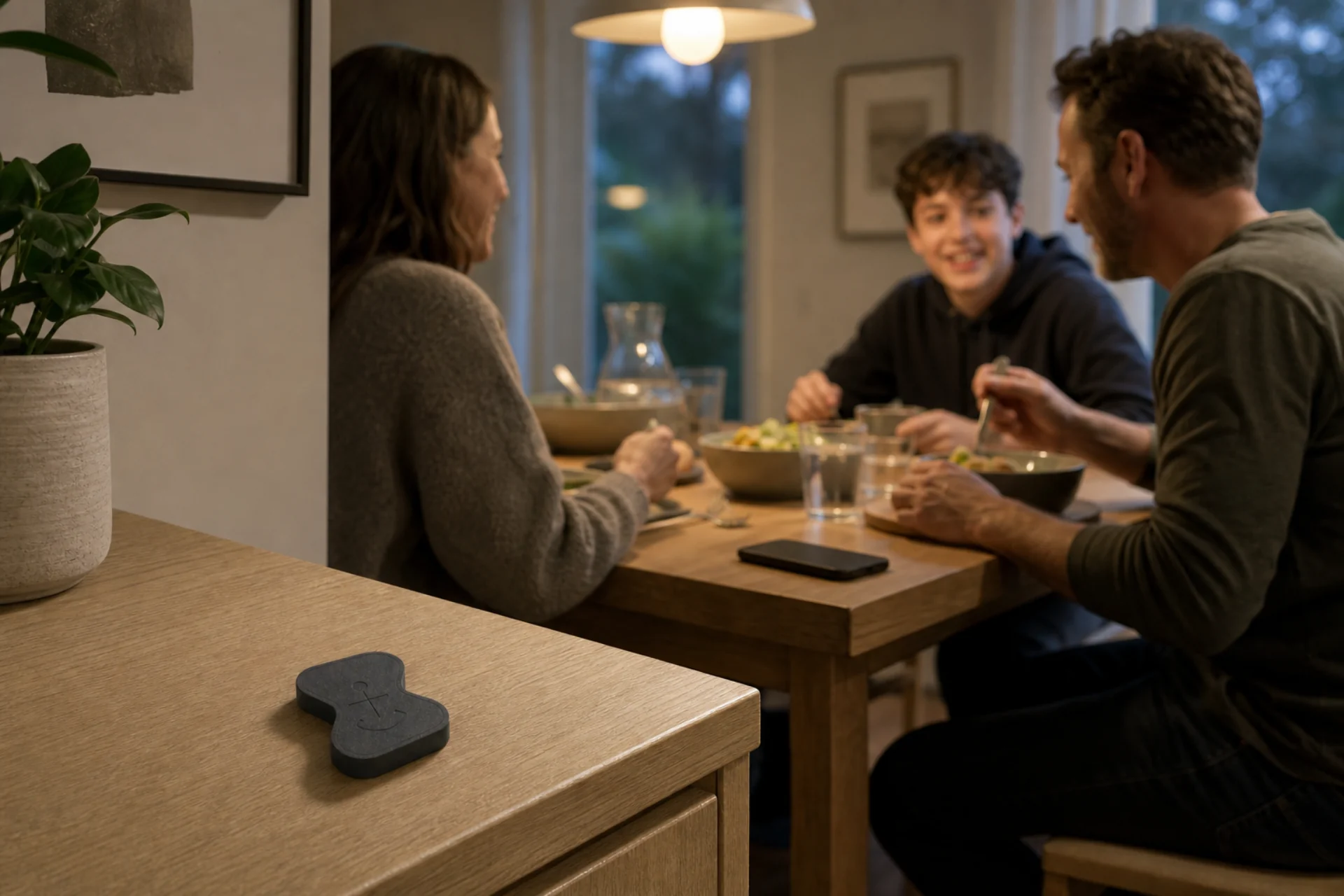
The moment
One reflexive tap can quietly become forty minutes.
The problem is not that social apps are always bad. It is that the choice to open them and the choice to stay can blur together. A notification, a spare minute, or one uncomfortable pause is enough to start another loop.
Anchor gives that loop a visible edge. You choose the distracting apps and sites before the urge arrives, while leaving the rest of your phone available.
How Anchor fits
A boundary you choose before the feed chooses for you.
- 01
Save the distracting layer
Build a Focus mode around social feeds, short-form video, news, or the sites that pull you into another scroll.
- 02
Start before the vulnerable window
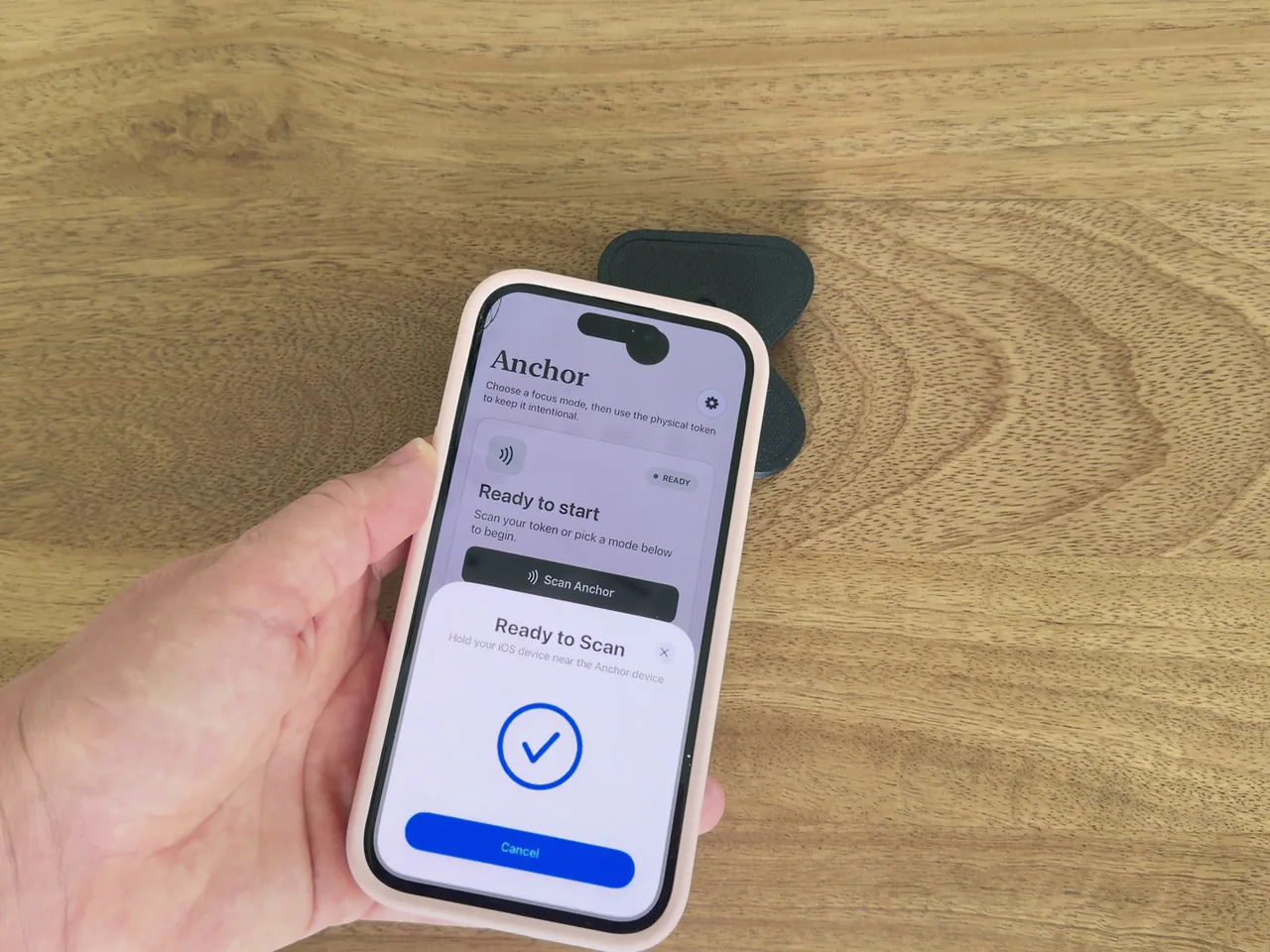
A scan can begin the session. Returning to your paired Anchor is the ordinary way to stop it.
- 03
Let the impulse pass
Keep Anchor in a deliberate place so reopening the feed becomes a choice, not the next automatic tap.
A practical setup
Try a clean evening reset.
Start with one repeatable window instead of trying to redesign your entire relationship with your phone overnight.
- 1
Choose the hour
Begin with the time you most often lose to a feed—after dinner, in bed, or during the mid-afternoon dip.
- 2
Keep the useful tools
Block the specific distractions. Leave the apps you genuinely need outside that selection.
- 3
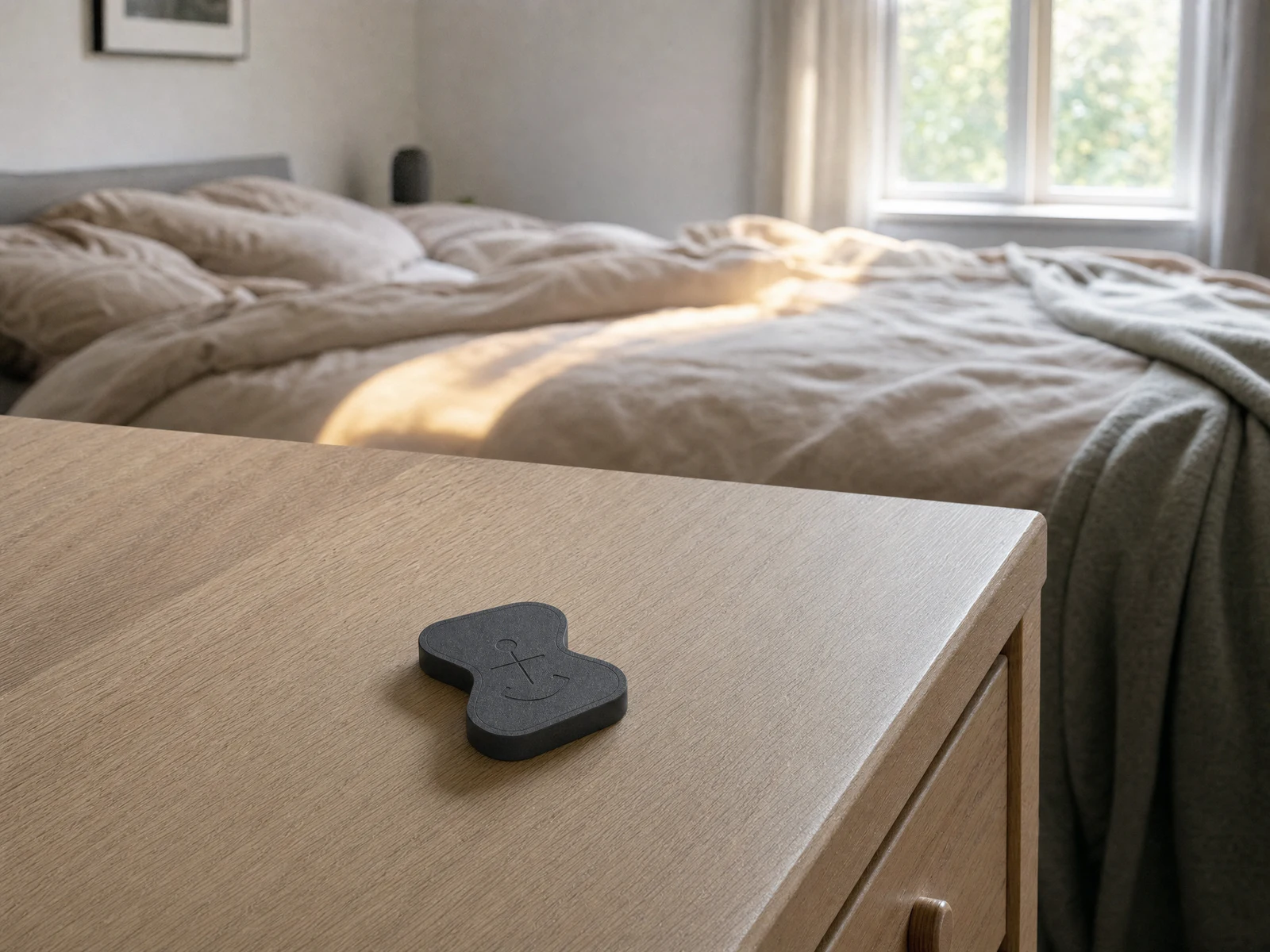
Give Anchor a home
Use a shelf, entry table, or kitchen counter that is accessible when you truly decide the session should end.